FAQ about Oxceed
Here you’ll find answers to frequently asked questions about Oxceed for anyone looking to modernise their company’s financial reporting and performance monitoring.
What is Oxceed?
Oxceed is a cloud-based service that gives businesses a clearer overview of their finances and makes it easy to create financial reports and decision-making materials. By integrating Oxceed with their accounting system, businesses can visualise and analyse up-to-date accounting data in real time. Oxceed is used by businesses, corporate groups and accounting firms.
What does Oxceed add to my accounting system?
Oxceed complements your accounting system with financial reporting, budgeting, forecasting and performance monitoring. Accounting systems often lack the ability to produce more advanced financial reports. Instead, many people spend hours each month copying and pasting between different spreadsheets to carry out more in-depth business analysis. Oxceed is a powerful, easy-to-use tool that offers a high degree of flexibility, allowing you to tailor your company’s reports to your industry, operations or other specific needs in terms of report structure and content.
Which systems can Oxceed integrate with?
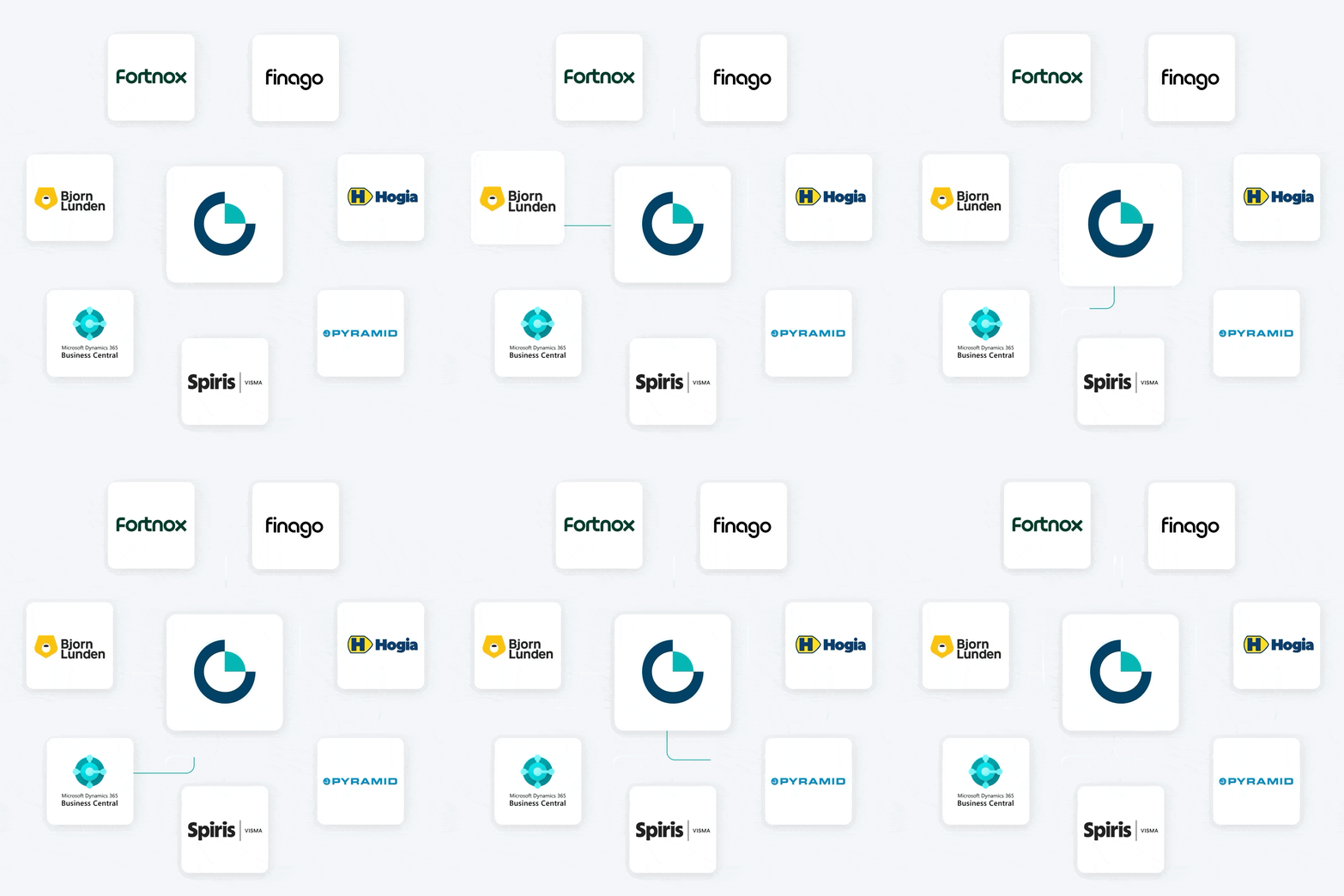
Oxceed offers ready-made integrations with the most common accounting systems, including Fortnox, Visma.NET, Visma Administration, Visma eEkonomi, Björn Lundén, Hogia and 24SevenOffice. It is also possible to develop custom integrations with other ERP systems through our API.
As a CFO, can I create reports myself or do I need help?
Oxceed is a highly useful tool for CFOs. It is designed to let you create reports tailored to your organisation’s needs while saving time, so you can focus more on analysis and action. After completing one of our training courses, you will have the knowledge you need to create reports and customised report templates entirely on your own.
How much can I customise an income statement?
Oxceed lets you structure an income statement by account and cost centre, for example to suit a particular industry or your organisation’s requirements and preferences, and to incorporate KPIs into your reports. You can also compare actuals with budget, the previous year, rolling 12 months and forecast.
How much does Oxceed cost?
Oxceed offers flexible pricing that can be tailored to your specific needs. Oxceed for businesses can be configured based on the number of users, companies and add-ons. For more information, see pricing for businesses, pricing for corporate groups and pricing for accounting firms. Alternatively, calculate your price by answering three quick questions.
How much does it cost to get started with Oxceed?
One major advantage of Oxceed is that you can easily get started on your own without hiring consultants. When you start a subscription, you receive help connecting Oxceed to your company’s accounting system and completing the basic setup. We also recommend that everyone who will use Oxceed completes one of our training courses, giving your team the best possible foundation for successful financial reporting and performance monitoring.
How do I activate my subscription?
To activate your subscription after your 10-day free trial, click “Activate account” in yellow at the top right of Oxceed. Then follow the instructions and accept the terms and conditions to activate your subscription.
How is my company’s data handled?
Oxceed seamlessly reads accounting information from your company’s accounting system. The information is stored in secure Microsoft Azure data centres in Northern Europe. If you cancel your subscription, all information read by Oxceed will be permanently deleted when the subscription ends, in accordance with Oxceed’s general terms and conditions.